The problem
Most small Spotify tasks (checking what’s playing, building a playlist from your favorites, seeing whether artists you follow have new music) shouldn’t need the full desktop app. This puts them behind a simple numbered menu in the terminal.
Approach
- Authenticates with the Spotify Web API through the Spotipy library, reading developer credentials from environment variables
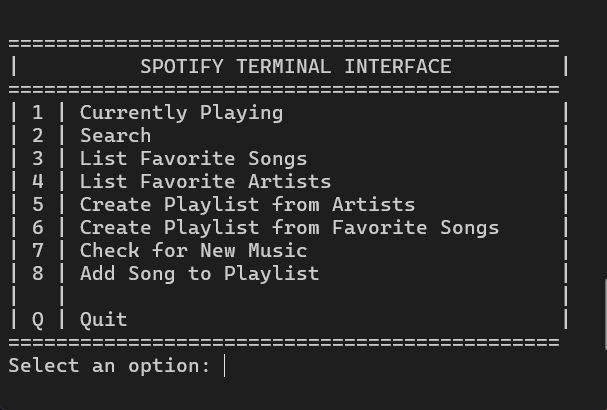
- An eight-option text menu: currently playing, search, favorite songs, favorite artists, playlist from artists, playlist from favorite songs, check for new music, and add a song to a playlist
- Organized with one module per menu action, and shared playlist-creation and UI code kept in a separate source folder
- Needs a Spotify Premium account and developer credentials to control playback
Highlights
- Playlists generated from your favorite artists or top tracks
- New-release checks across artists you follow
- Search for songs, artists and albums from the terminal
- Modular design: one file per feature